How to Choose an AI Agent Development Company in 2026
Date - 26/10/2026
AI | 27th July
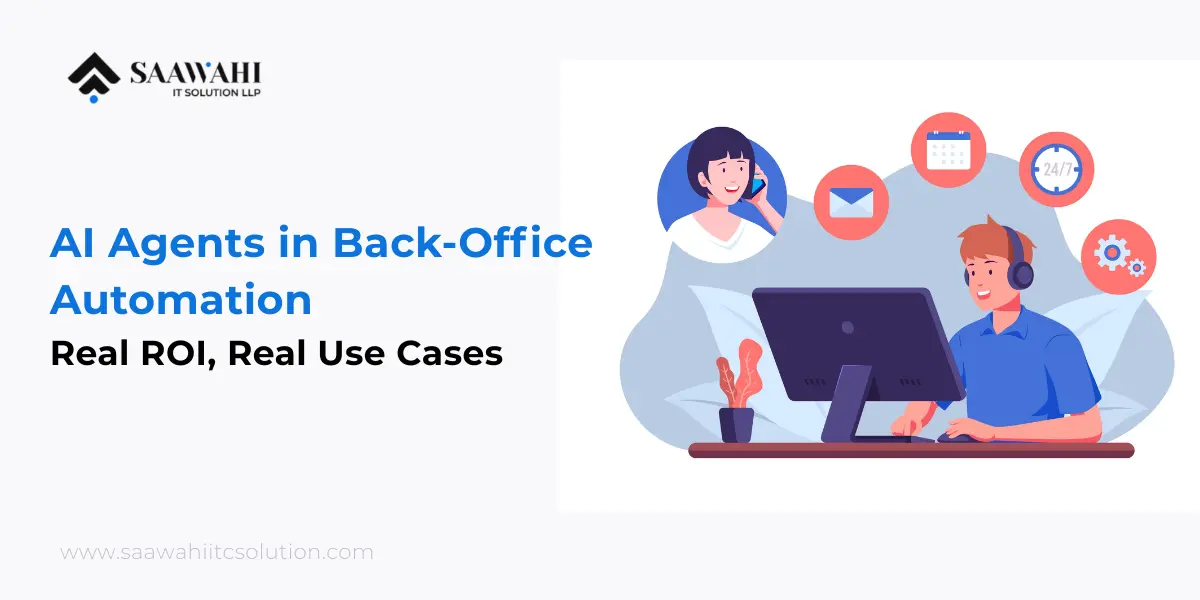
Most companies talk about AI agents like they’re still a demo on a slide. They’re not. Back-office automation – invoicing, data entry, reconciliation, reporting – is quietly becoming one of the biggest proven use cases for AI agents in 2026, and the ROI is showing up in hours saved and error rates dropped, not just in press releases. This isn’t about replacing your operations team; it’s about giving them back the hours currently lost to work a system can now do faster and more consistently. Here’s what’s actually working, what it costs, what can go wrong, and how to tell if it’s worth it for your operation.
Back-office work has three traits that make it a near-perfect fit for AI agents:
That combination is why back-office automation and customer support consistently top the list of actual AI agent use cases being funded by businesses right now — not chatbots, not flashy multi-agent demos, but the unglamorous work of moving data correctly from one system to another.
AI agents can read incoming invoices (PDFs, emails, scanned documents), extract line items, match them against purchase orders, flag discrepancies, and route exceptions to a human — instead of a person doing all of that manually.
What changes: Processing time per invoice drops from minutes to seconds; exception handling (the 10-20% that don’t match cleanly) is where human time gets concentrated instead of spread across every single invoice.
Whether it’s syncing CRM records, reconciling bank statements, or updating inventory counts across systems, AI agents can watch for new data, transform it into the right format, and push it where it needs to go — with a human checking exceptions rather than doing the transfer themselves.
What changes: Fewer manual copy-paste errors, and staff shift from “entering data” to “reviewing flagged mismatches.”
Agents can pull data from multiple internal systems, assemble it into a standard report format, and flag anomalies (a spending spike, a missing field, an out-of-range value) before a human ever opens the report.
What changes: Reports that used to take a day of manual pulling and formatting are ready before a human starts reviewing them.
Document collection, compliance checklist tracking, and status updates to new hires are all rule-based enough for an agent to handle end-to-end, escalating only when something doesn’t fit the standard path.
What changes: HR staff spend time on the parts of onboarding that actually need a person — not chasing paperwork status.
“AI agents save time” isn’t a metric — it’s a claim. Before greenlighting a project, define the numbers you’ll track so the ROI conversation is based on evidence, not impression:
Track these for 30-60 days after deployment against your pre-automation baseline. If a vendor can’t help you define these numbers before the project starts, that’s worth noting – it usually means the ROI conversation will happen after the invoice, not before.
Also read: How Autonomous AI Agents Are Reducing Operational Costs
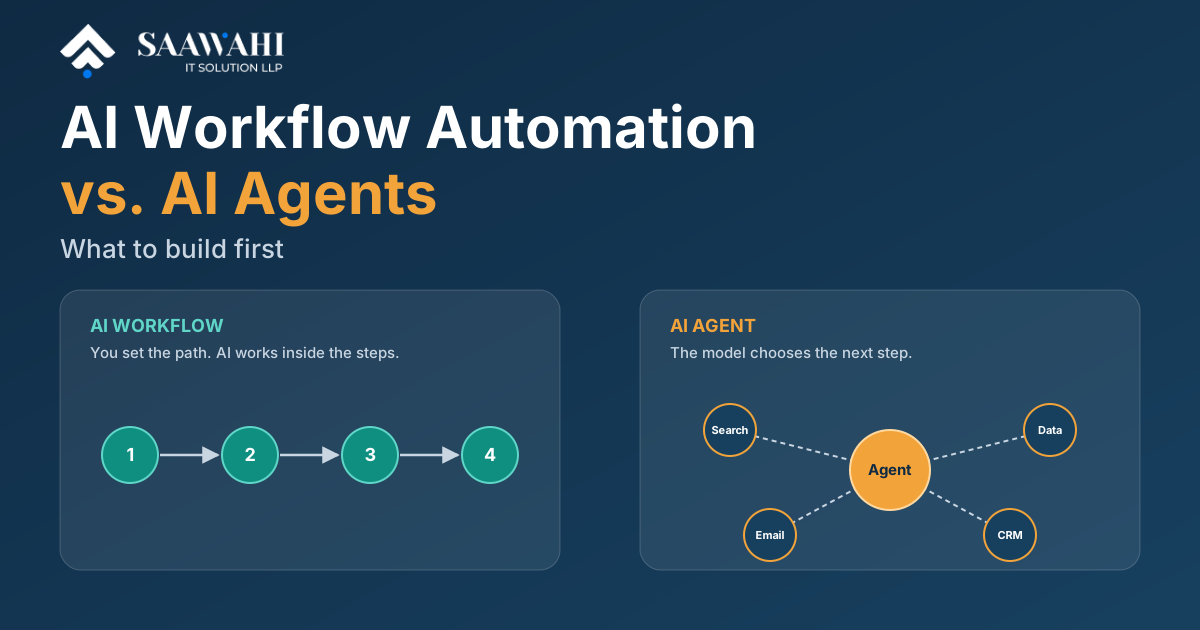
If your team already tried robotic process automation (RPA) and found it brittle — breaking every time a form layout changed — the difference with AI agents is adaptability. RPA follows a fixed script. AI agents interpret context, so a slightly different invoice layout or an unfamiliar field name doesn’t necessarily break the workflow the way it would with rule-based RPA.
That doesn’t mean agents are magic — they still need clear boundaries, defined escalation paths, and monitoring. But the maintenance burden is meaningfully lower than legacy RPA once the agent is deployed correctly.
Not every AI agent rollout delivers the ROI above. The projects that stall usually run into the same handful of problems:
Most of these aren’t AI-specific problems — they’re the same project-management failure points that sink any operations initiative. AI agents just make the cost of skipping them more visible, faster.
Not every AI agent development company builds for reliability. Before signing on with one, it’s worth asking:
The teams getting the best ROI from AI agent development aren’t automating everything at once. They’re picking one well-defined, high-volume, rule-heavy process — invoice matching is a common first pick — proving the ROI there, and expanding from a working foundation instead of a from a big-bang rollout.
If you’re exploring AI workflow automation services for your back office, start narrow: one process, clear success metrics, and a defined escalation path for exceptions. That’s the difference between a pilot that stalls and one that turns into a real operational shift.
Saawahi builds AI agents for real back-office workflows – not demos. If you’re ready to hire AI agent developers who scope the use case, build for your existing systems, and measure the outcome, let’s talk about where automation makes sense for your team.

Wama Sompura is the CEO of Saawahi IT Solution, leading innovations in AI, automation, and digital solutions that help businesses drive efficiency and growth.
© Copyright 2025 All Rights Reserved. Saawahi IT Solution LLP.