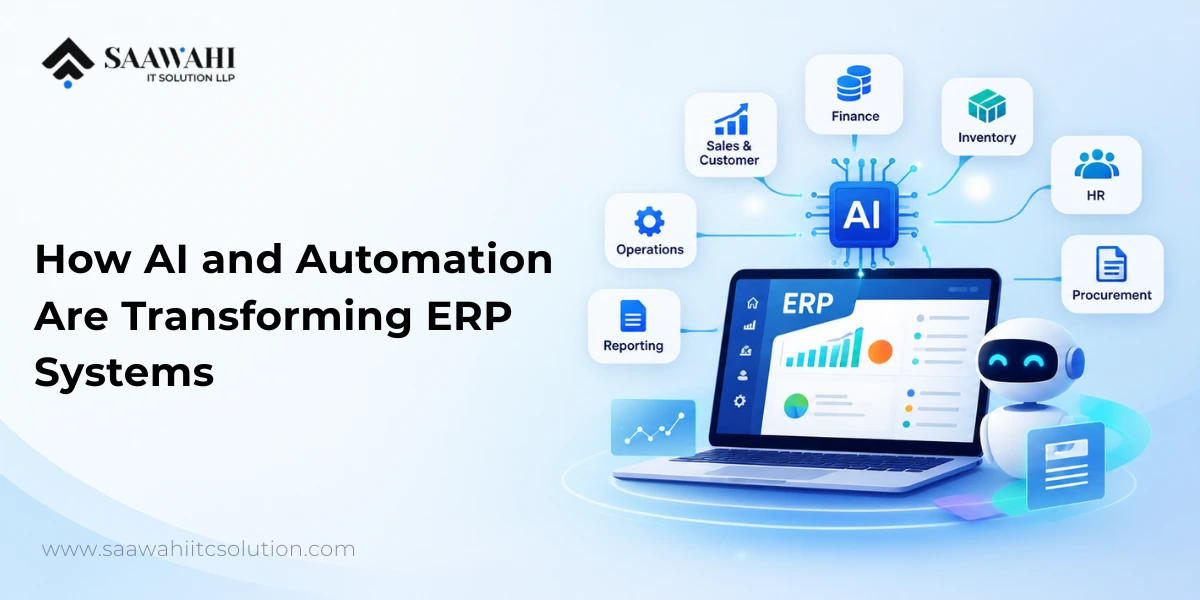
AI-Powered ERP Software: How AI and Automation Are Transforming ERP Systems
Date - 14/09/2026
AI | 20th January
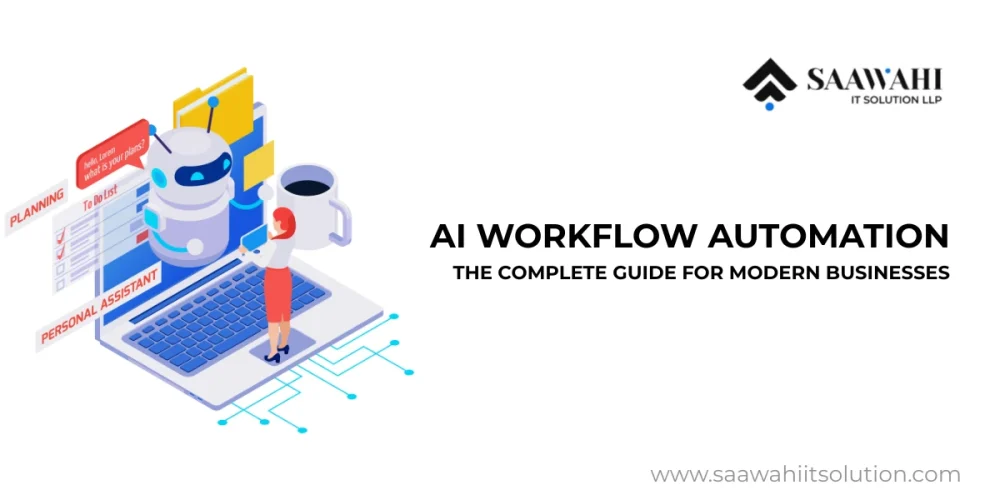
The idea of AI workflow automation may appear quite complicated at first, yet, in essence, it addresses the following straightforward question: how can one ensure that key business processes will not be dependent on human efforts?
In almost any company, no matter the domain, the day-to-day business activities require workflow completion. Such workflows usually include, among others, the following steps:
Traditional automation helped reduce some of this effort, but it works only when rules are fixed and situations are predictable. Modern businesses operate in environments where data is messy, inputs change constantly, and decisions require context. This is where AI workflow automation becomes essential.
This guide is written to help both beginners and experienced professionals clearly understand:
You do not need a technical background to follow this guide. Each section builds logically from basic concepts to advanced applications, ensuring clarity from the first read to the last.
Before understanding AI workflow automation, it is important to understand what a workflow actually is.
A workflow is a series of steps people and systems follow to complete a task. For example:
In many businesses, these steps are still handled through emails, spreadsheets, manual checks, and disconnected software. This leads to delays, mistakes, and inconsistent outcomes.
AI workflow automation means using artificial intelligence to run, manage, and improve these workflows automatically, even when:
In simple terms:
AI workflow automation allows workflows to think, adapt, and improve instead of just following fixed rules.
Traditional automation works like this:
AI workflow automation works differently:
For example, instead of routing every request the same way, an AI-powered workflow can:
To avoid confusion, it is equally important to clarify what AI workflow automation does not mean:
Most real-world AI automated workflows operate with human-in-the-loop controls, ensuring transparency, accountability, and trust.
Understanding AI workflow automation correctly helps businesses:
This foundation makes it easier to understand how AI for workflow automation works in real business environments, which we explore next.
Before diving into technologies and architecture, it helps to build a simple mental model of how AI workflow automation fits into everyday business operations.
Think of AI workflow automation as a three-layer system:
If any one of these layers is missing, automation becomes fragile or inefficient. With this foundation in mind, the technologies behind AI workflow automation become much easier to understand.
Machine learning enables systems to identify patterns in historical workflow data. For example, ML models can predict approval outcomes, detect anomalies, or recommend next-best actions.
NLP allows AI automated workflows to understand and process human language. This is essential for automating emails, support tickets, contracts, chat interactions, and knowledge-base queries.
Computer vision automates workflows involving images and scanned documents, such as invoices, IDs, medical records, and quality inspection images.
These capabilities help organizations anticipate bottlenecks, forecast demand, and proactively optimize workflows before issues arise.
AI workflow automation can feel abstract until it is explained through the lens of real operational behavior. This section explains what actually happens behind the scenes, without assuming technical knowledge. AI workflow automation is most effective when users clearly understand how it operates in real business environments. Below is a detailed, practical breakdown of how AI-powered workflows function from initiation to optimization.
The process begins by identifying existing workflows—manual, semi-automated, or rule-based. AI systems analyze logs, user actions, and system data to map:
This discovery phase ensures automation targets real inefficiencies, not assumptions.
AI workflow automation platforms ingest data from:
AI models normalize and enrich this data to build operational context, which is critical for accurate automation.
Using machine learning and NLP, the system evaluates conditions and selects appropriate actions. Examples include:
Unlike static automation, decisions evolve as the AI learns from outcomes.
Tasks are executed across tools and teams without manual intervention. This may include:
Performance metrics such as cycle time, error rates, and resolution speed are continuously monitored. AI uses this feedback to optimize workflows and recommend improvements.
To make the concept concrete, consider a common cross-industry scenario: a customer service request.
This same pattern applies to finance approvals, HR onboarding, IT tickets, and operations workflows.
AI workflow automation is not limited to a single sector. Its flexibility makes it applicable across industries.
These real-life applications demonstrate how workflow automation AI delivers measurable business impact.
Understanding benefits is easier when they are framed as problems users face daily.
By automating repetitive and decision-heavy tasks, AI workflow automation significantly reduces manual effort and cycle times.
AI automated workflows minimize human error and ensure consistent adherence to policies and regulations.
AI analyzes large volumes of data in real time, enabling informed decisions without delays.
Instead of replacing teams, AI for workflow automation augments human capabilities, allowing employees to focus on strategic work.
AI-powered workflows support distributed teams, multi-region operations, and round-the-clock execution.
| Aspect | Traditional Automation | AI Workflow Automation |
| Logic | Fixed rules | Intelligent, adaptive |
| Data handling | Structured only | Structured and unstructured |
| Learning | None | Continuous learning |
| Decision-making | Predefined | Context-aware |
| Scalability | Limited | High and flexible |
This evolution positions AI automated workflows as a strategic enabler rather than a tactical tool.
Each use case contributes directly to productivity, cost optimization, and customer satisfaction.
AI workflow automation delivers the most value when used in the right situations.
Good Fit When:
Not Ideal When:
Understanding this helps set realistic expectations.
Start with Business-Critical Processes
Focus on workflows that are repetitive, high-volume, and prone to errors.
Prioritize Data Readiness
AI systems depend on quality data. Invest in data governance and integration early.
Design for Human-in-the-Loop
Ensure transparency and human oversight where decisions carry risk.
Integrate Seamlessly
AI workflow automation should complement existing tools and platforms.
Measure, Learn, and Optimize
Use KPIs such as cycle time, error rates, and ROI to refine workflows continuously.
Addressing these challenges early ensures long-term success.
The future of AI workflow automation lies in hyperautomation, autonomous workflows, and multi-agent systems. Organizations will increasingly deploy AI agents that collaborate, negotiate tasks, and self-optimize workflows with minimal human intervention.
As AI becomes more context-aware and explainable, businesses will move closer to fully intelligent operations.
AI workflow automation uses artificial intelligence to automate, manage, and optimize business workflows intelligently.
RPA follows predefined rules, while AI-powered workflows learn, adapt, and make data-driven decisions.
Yes. Scalable AI automated workflow solutions are suitable for organizations of all sizes.
With proper governance, encryption, and compliance controls, AI workflows can be highly secure.
ROI typically comes from reduced costs, faster processing, improved accuracy, and better customer experiences.
AI workflow automation is no longer optional—it is a competitive necessity. Organizations that invest in intelligent, adaptive workflows gain operational resilience, scalability, and long-term efficiency. Partner with an experienced AI workflow automation provider to design, deploy, and optimize AI automated workflows tailored to your business goals.

Wama Sompura is the CEO of Saawahi IT Solution, leading innovations in AI, automation, and digital solutions that help businesses drive efficiency and growth.
© Copyright 2025 All Rights Reserved. Saawahi IT Solution LLP.